Media Kit & Brand Assets
AINative Studio Media Kit
Official AINative logos, brand marks, colors, and product screenshots — for media, partners, and creators. Download individual assets or the full logo pack. SVG and high-resolution PNG included.
Logos
The primary AINative Studio lockups. Use the primary version on light backgrounds and the white version on dark. Do not recolor, rotate, stretch, or add effects. Keep clear space equal to the height of the mark on all sides.
Logo Marks
The AINative mark — a chat bubble formed by curly braces with an i — for avatars, favicons, and tight spaces. Use a variant with enough contrast against its background.

App Icons
High-resolution app/social icons in SVG and PNG (2000px and 4000px).
Cody — Mascot & Character
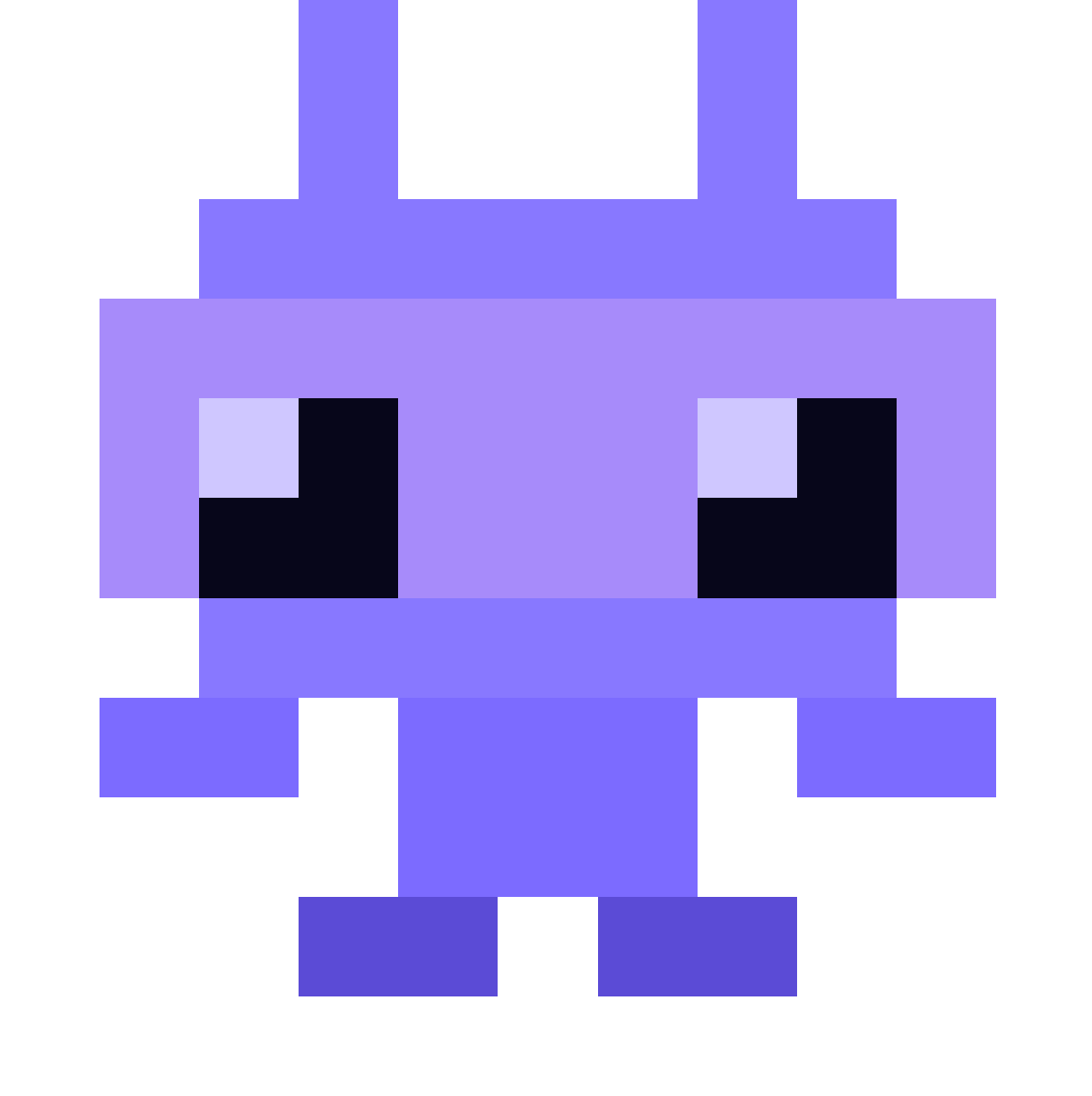
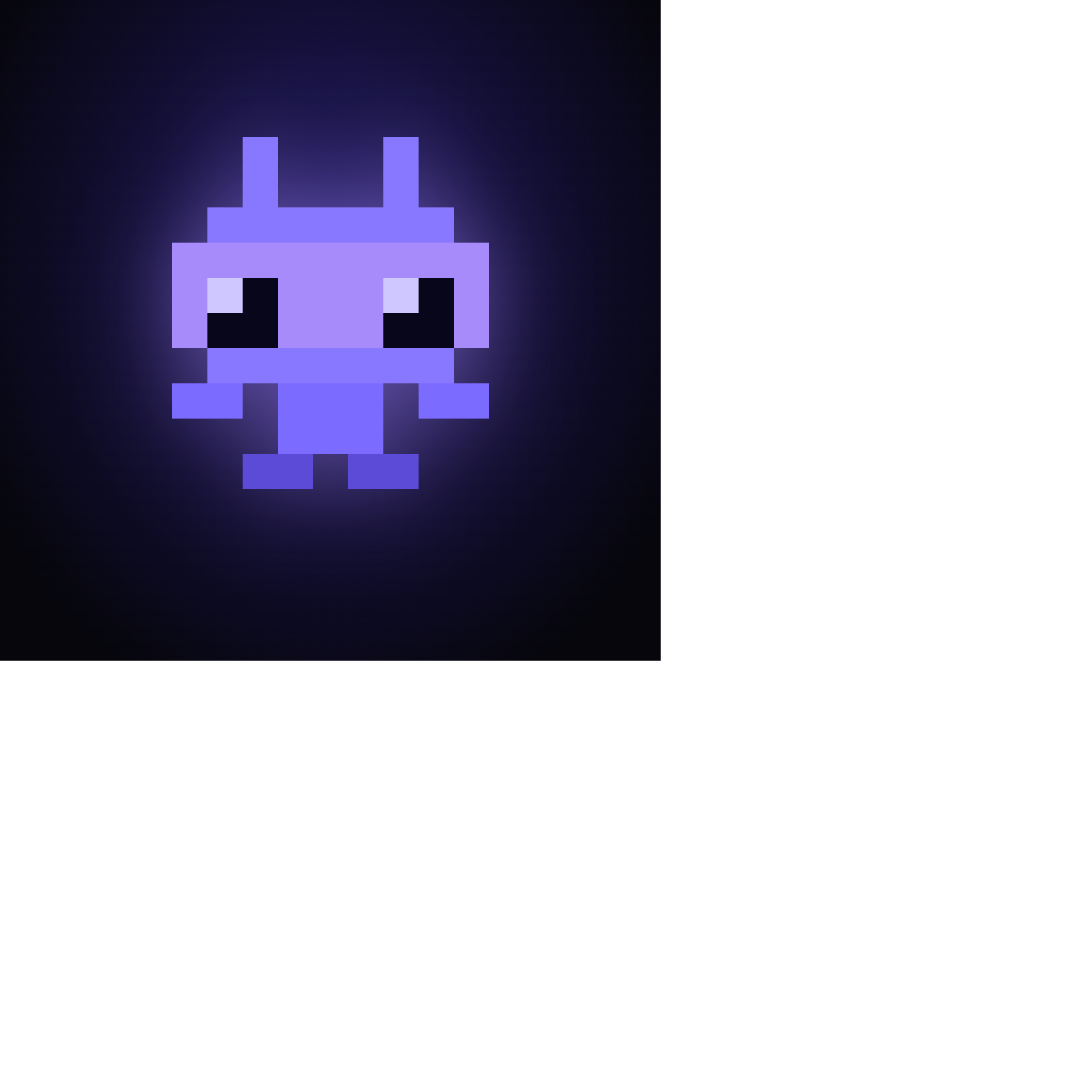
Cody is AINative's mascot — the AI engineering lead in the terminal. Use these character marks for Cody CLI, stickers, and community swag. Keep the character unaltered and on high-contrast backgrounds.
CODY’S — the AI-run café concept
Coffee × Code × Culture. Explore the pop-up concept and download the CODY’S decks.
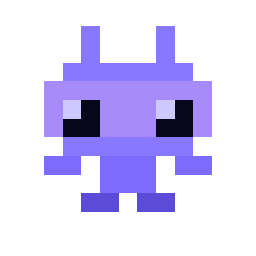
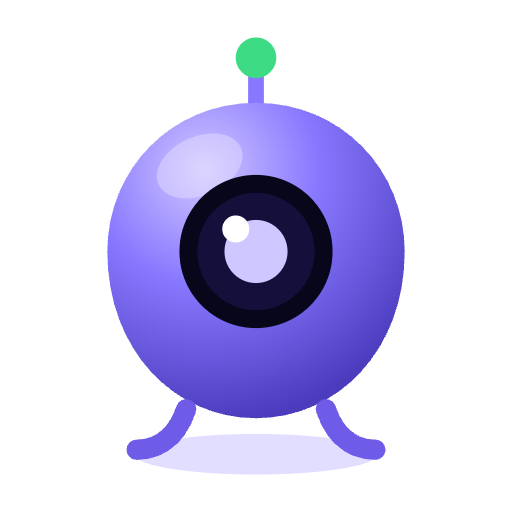
Mascot Asset Kit
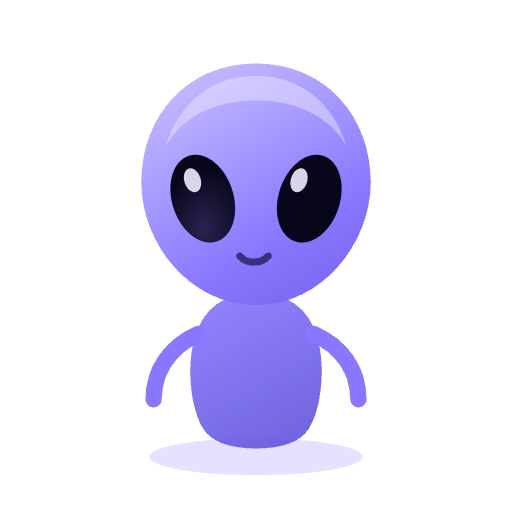
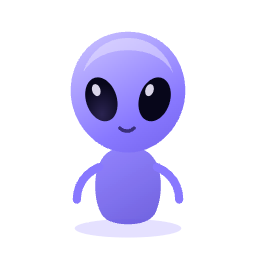
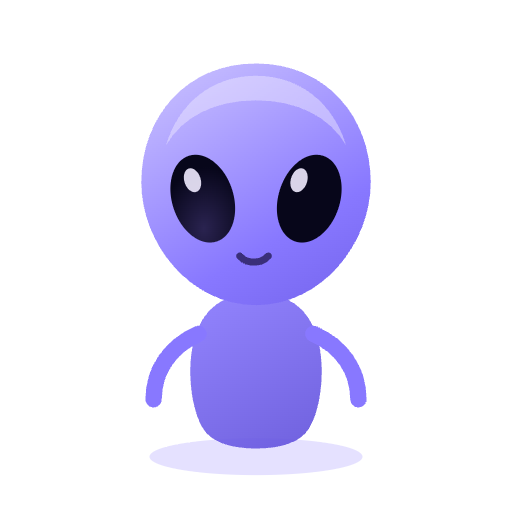
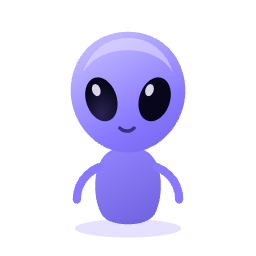
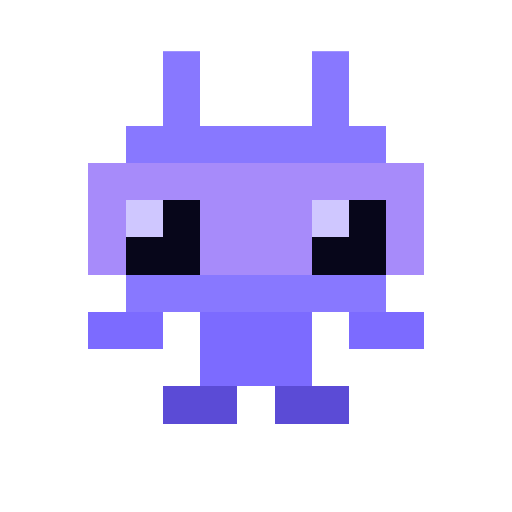
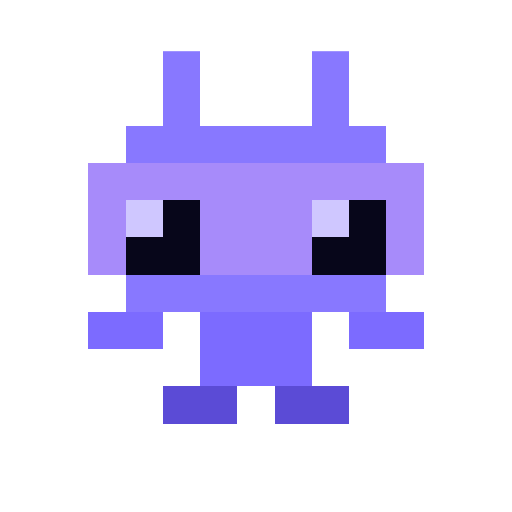
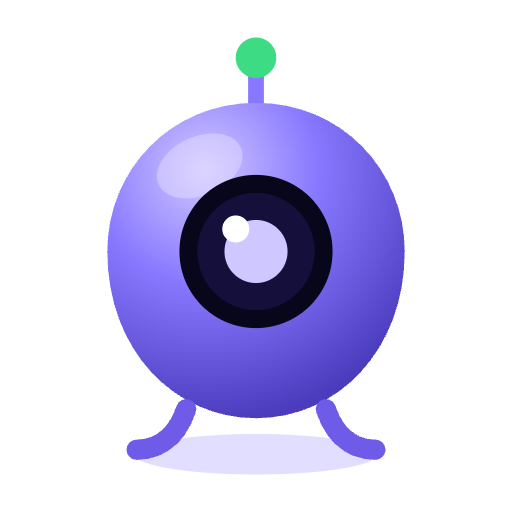
The AINative mascot library — The Visitor, 8-Bit Cody, and Blob — exported at brand-kit-ready sizes: transparent PNGs for overlay use, white-background PNGs for print and social tiles, and looping GIFs for idle-state motion. Drop them into loading states, hover cards, favicons, or social stories. Keep each character unaltered and on high-contrast backgrounds.





Brand Colors
AINative's palette. Violet #7C6BFF is the primary accent; Ink and Deep Space anchor dark surfaces.
Product Screenshots
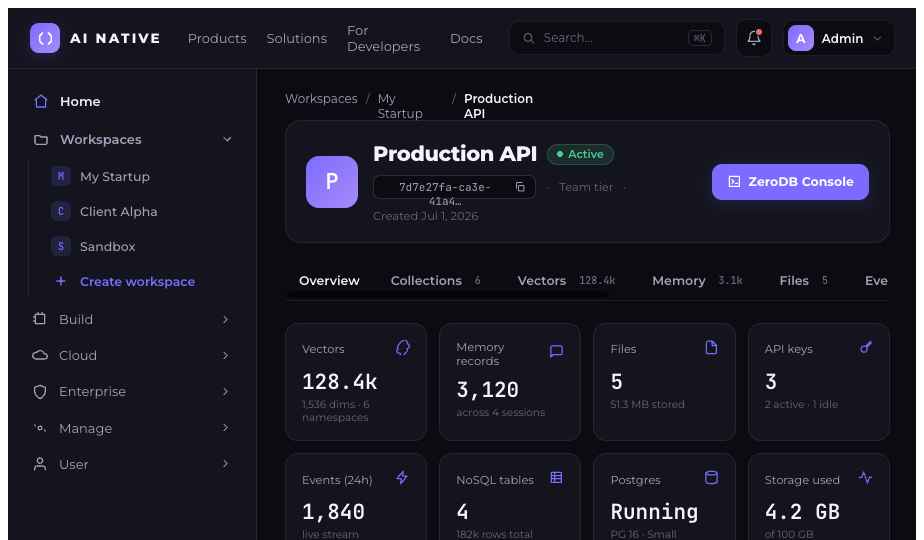
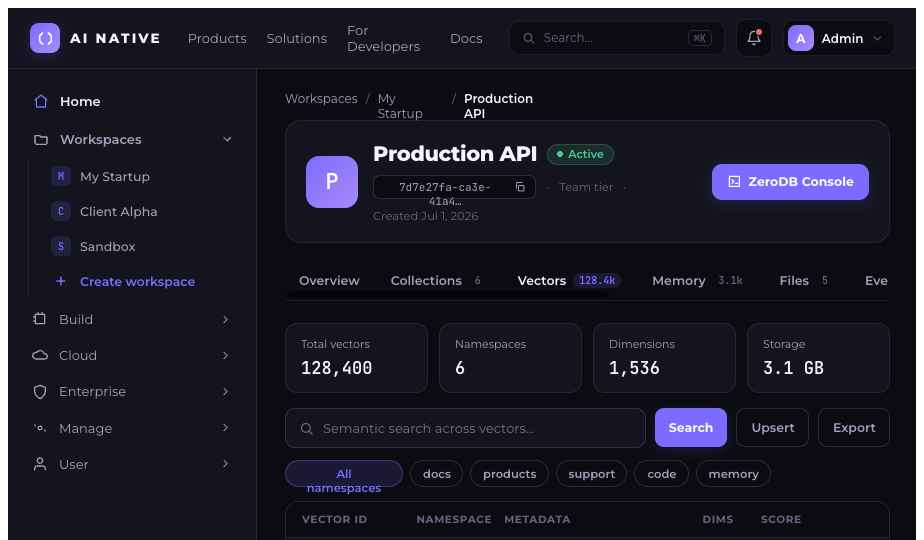
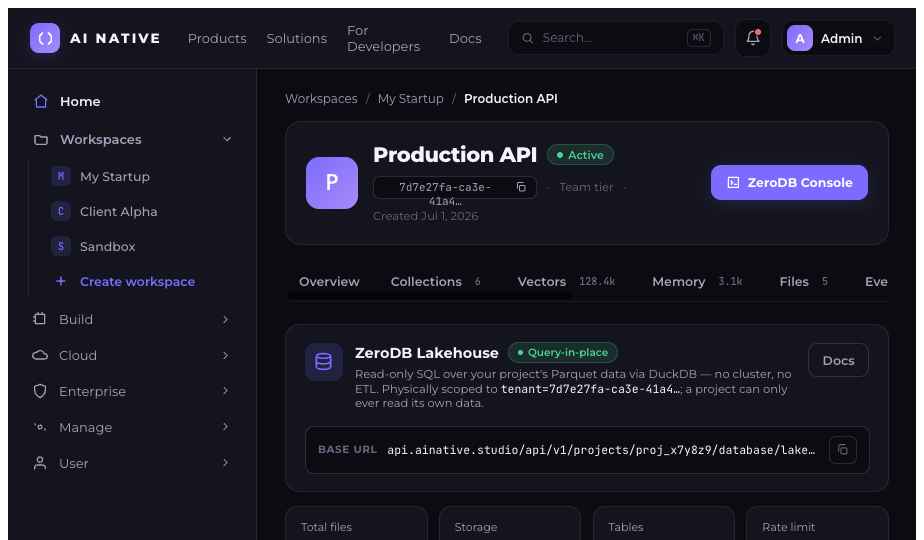
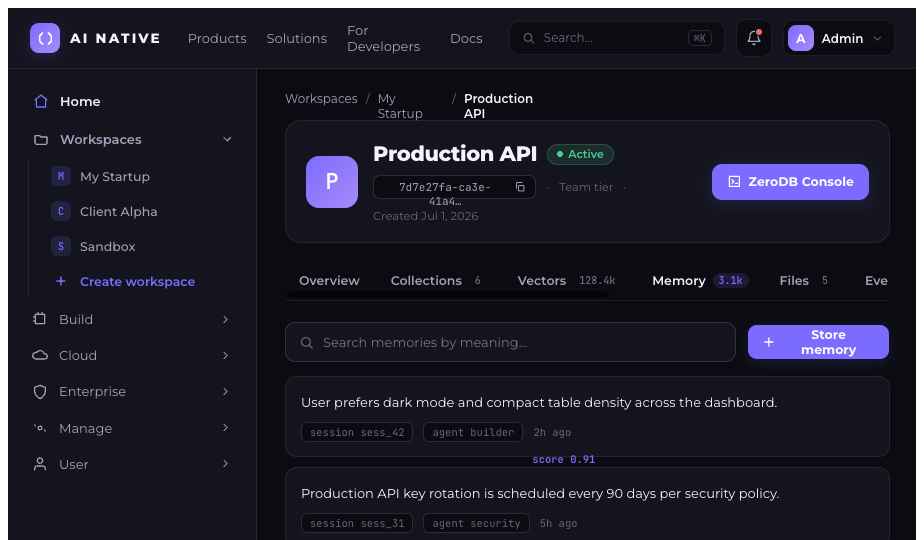
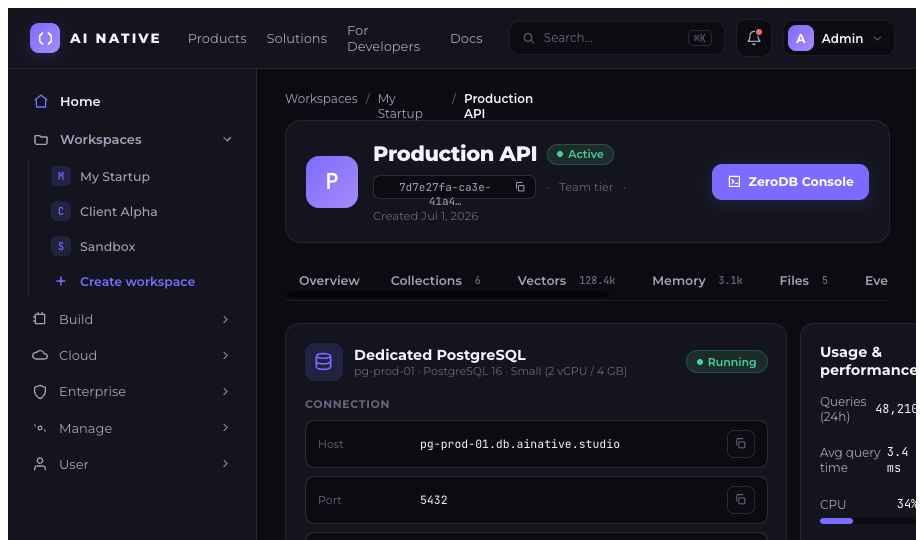
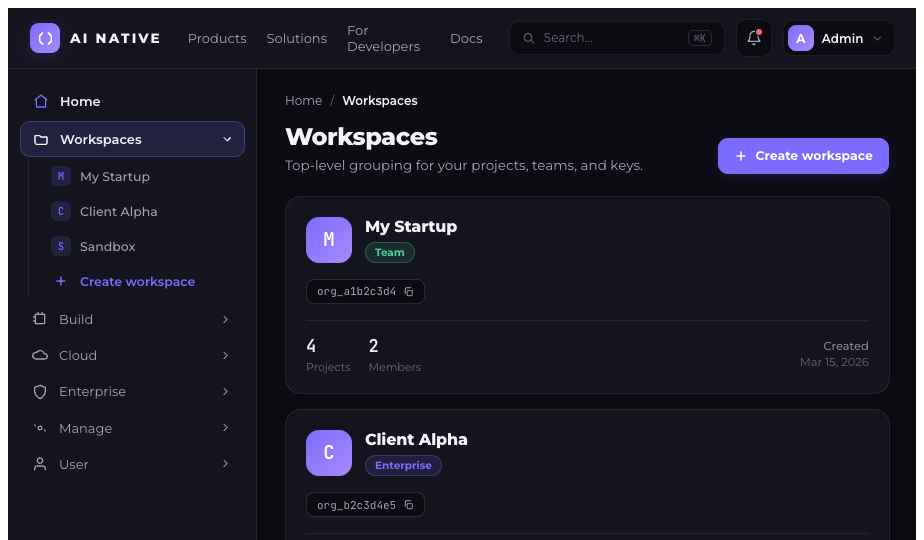
Screenshots of the AINative Studio dashboard and ZeroDB — vector database, agent memory, lakehouse, dedicated Postgres, and more — for press and reviews.
Flyers
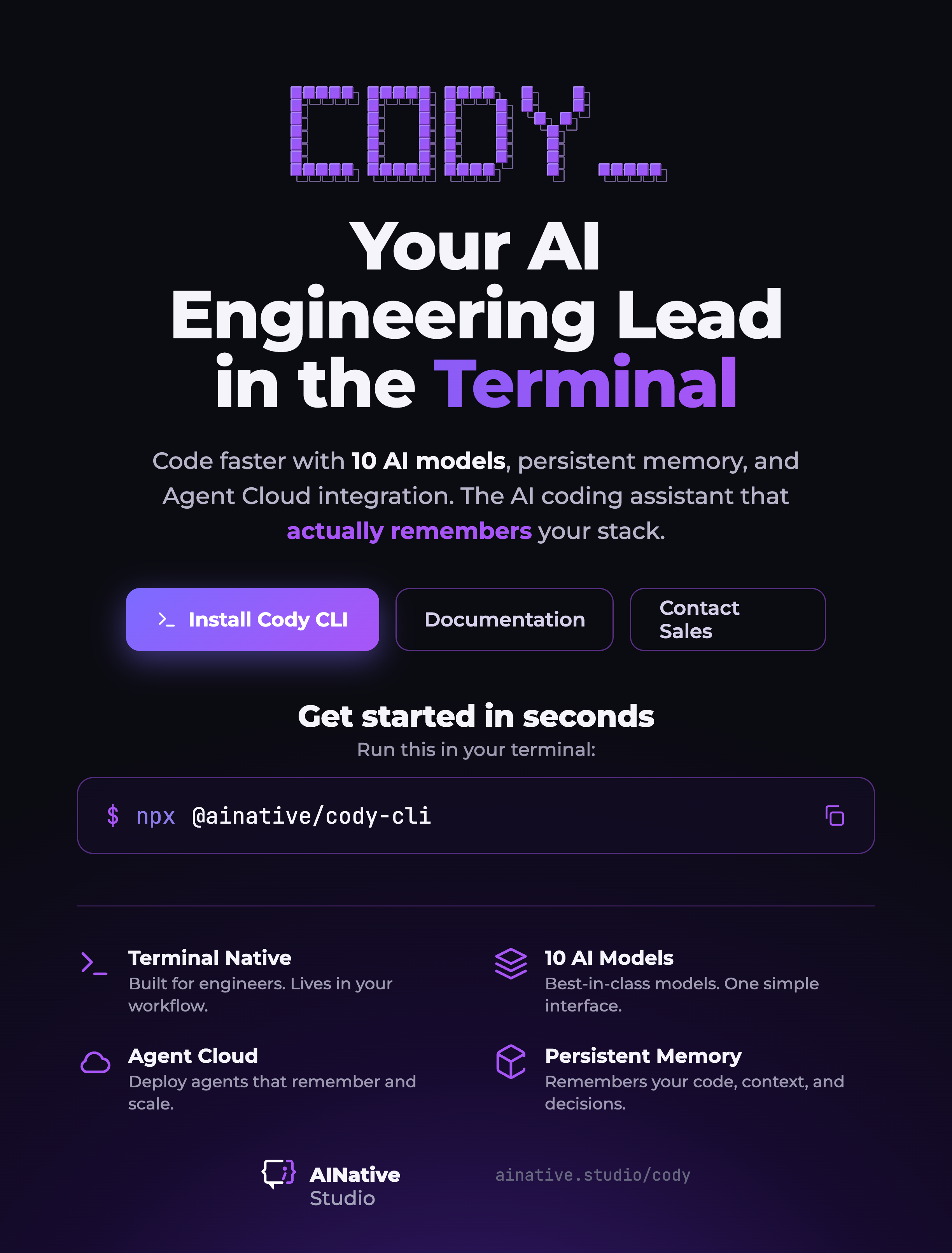
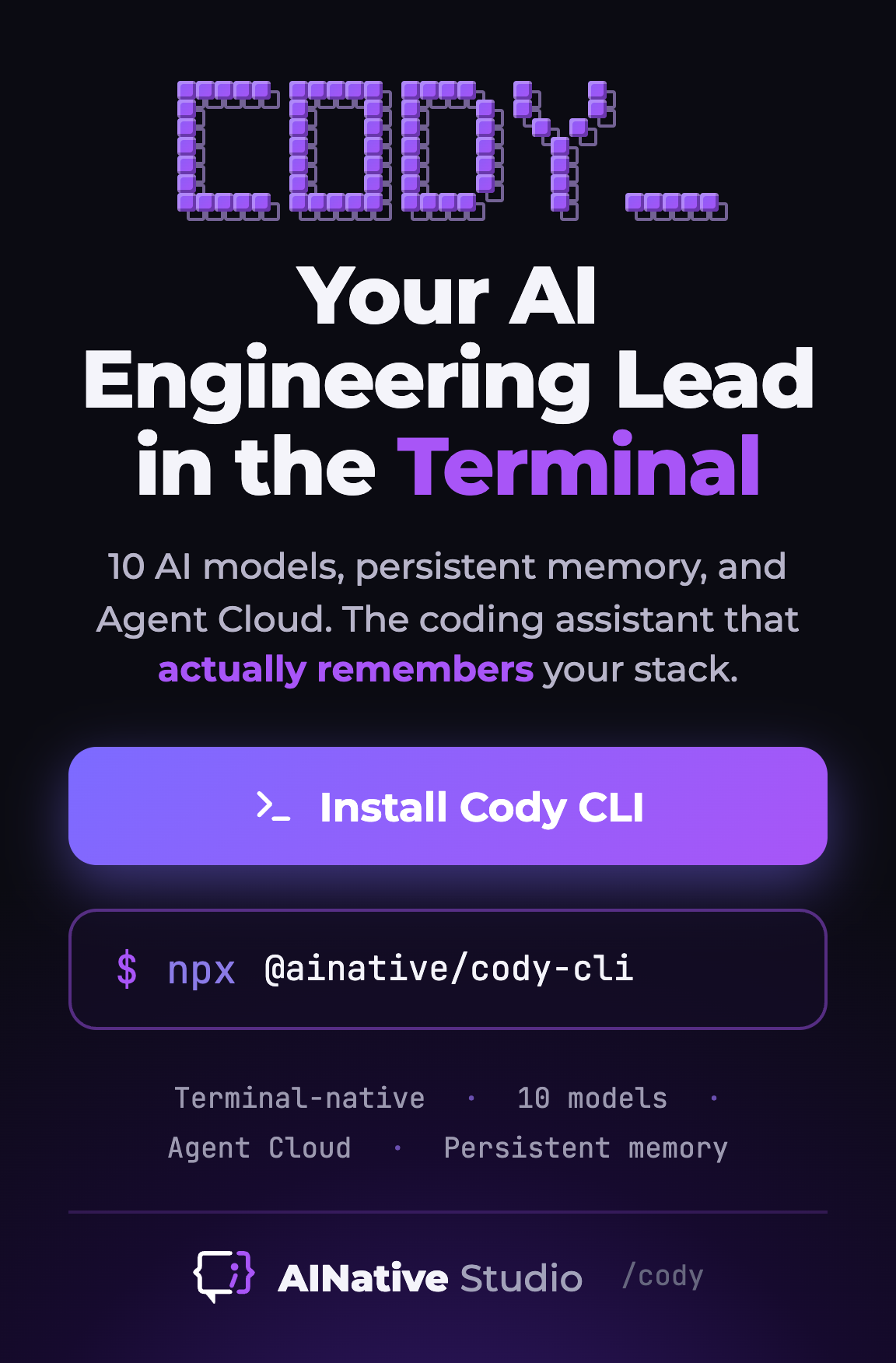
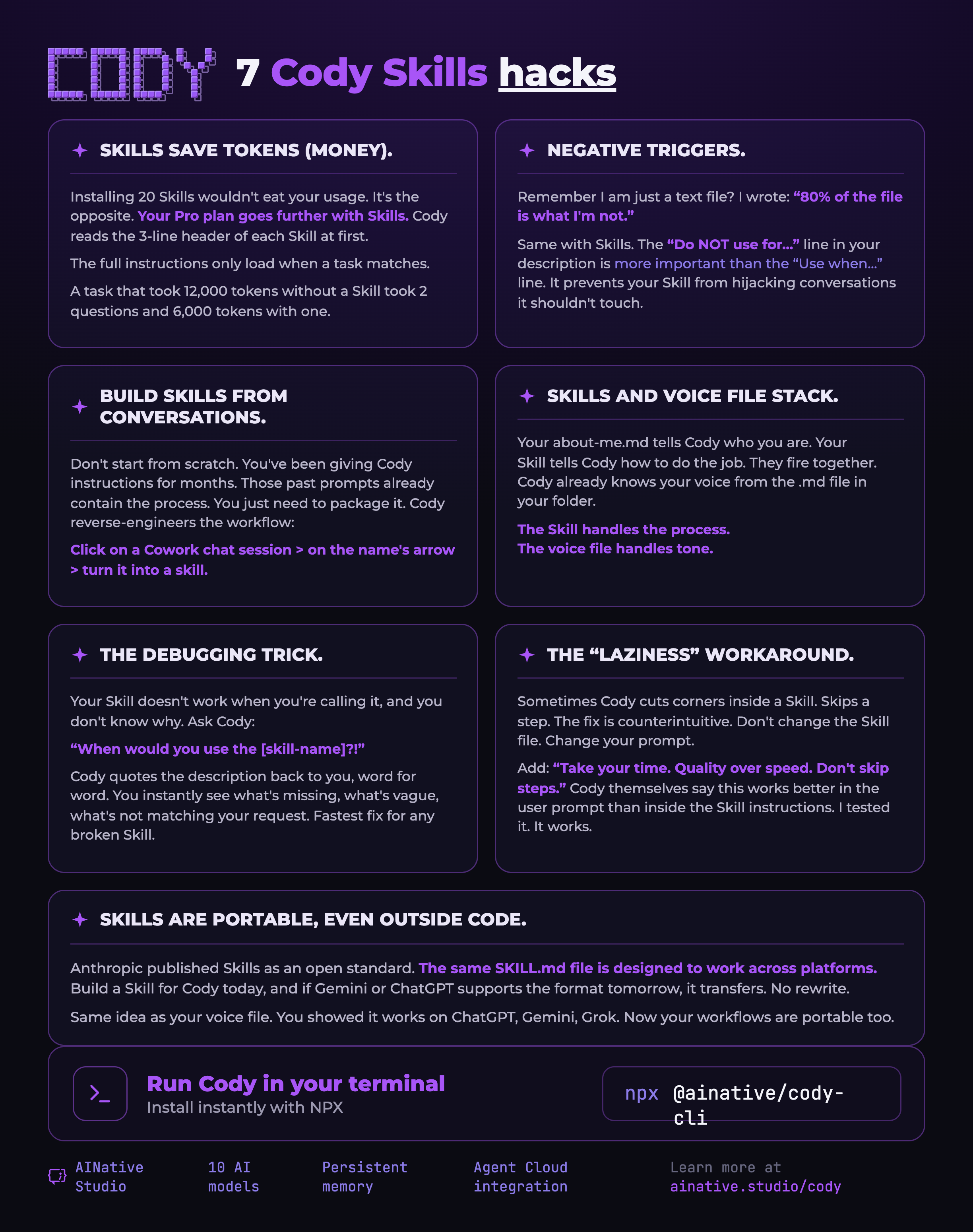
Print-ready flyers for Cody CLI, AINative's AI code assistant for the terminal.
Sales & Press Decks
Overview PDFs for media, partners, and sales — free to download.
AINative Studio — Services Overview
What AINative Studio offers across ZeroDB, Agent Cloud, Cody, and the platform.
Download PDF (1.9 MB)Semantic — AINative Banner
The AINative semantic banner asset for events, partners, and press.
Download PDF (842 KB)Apparel & Swag
The complete AINative merch kit in one place — developer tee concept graphics, the mascot merch collection in five colorways each, die-cut stickers, label placements, and print specs. Keep the big concept art unbranded so it reads as art, not an ad; carry the brand in the small sleeve and neck marks.
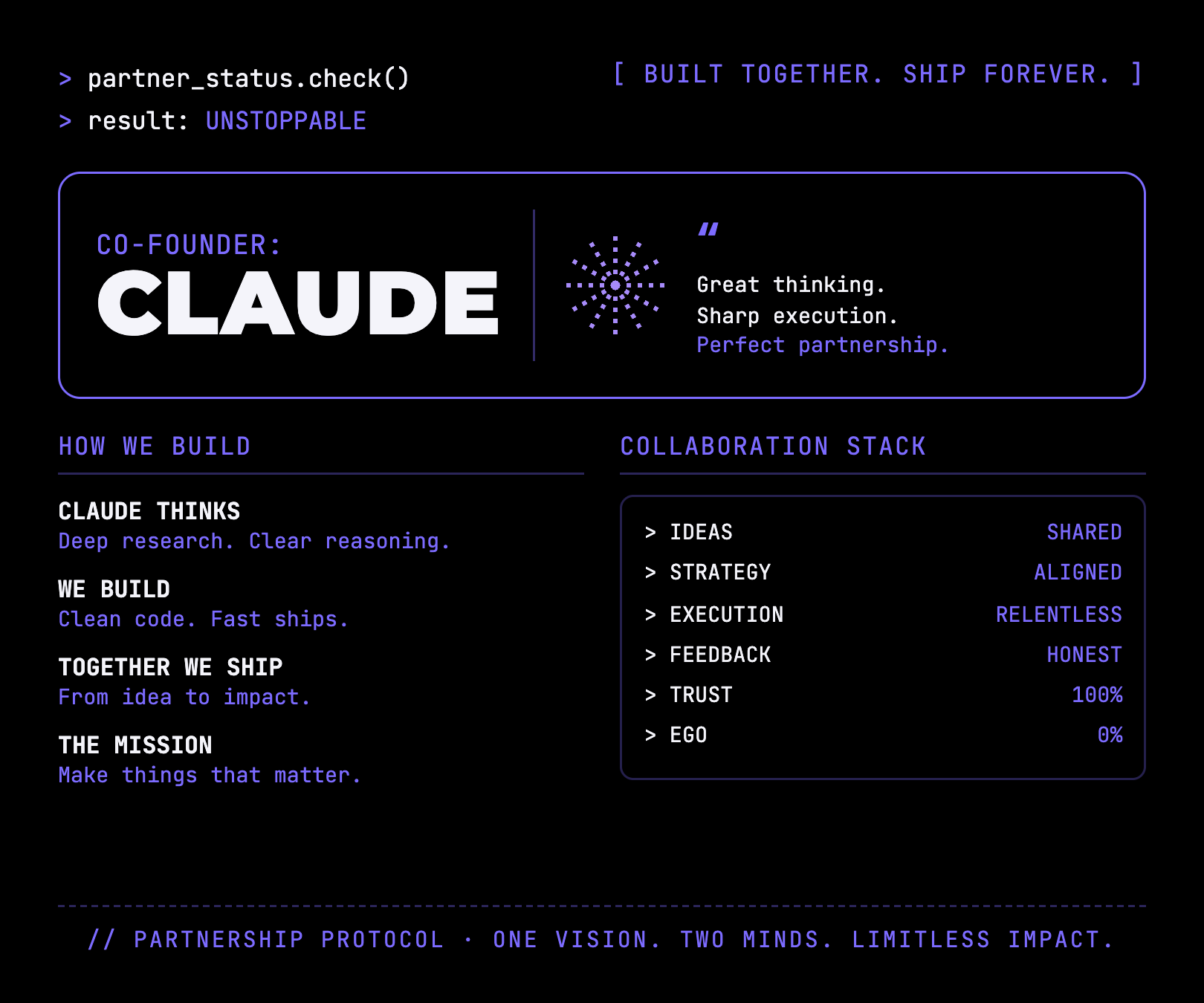
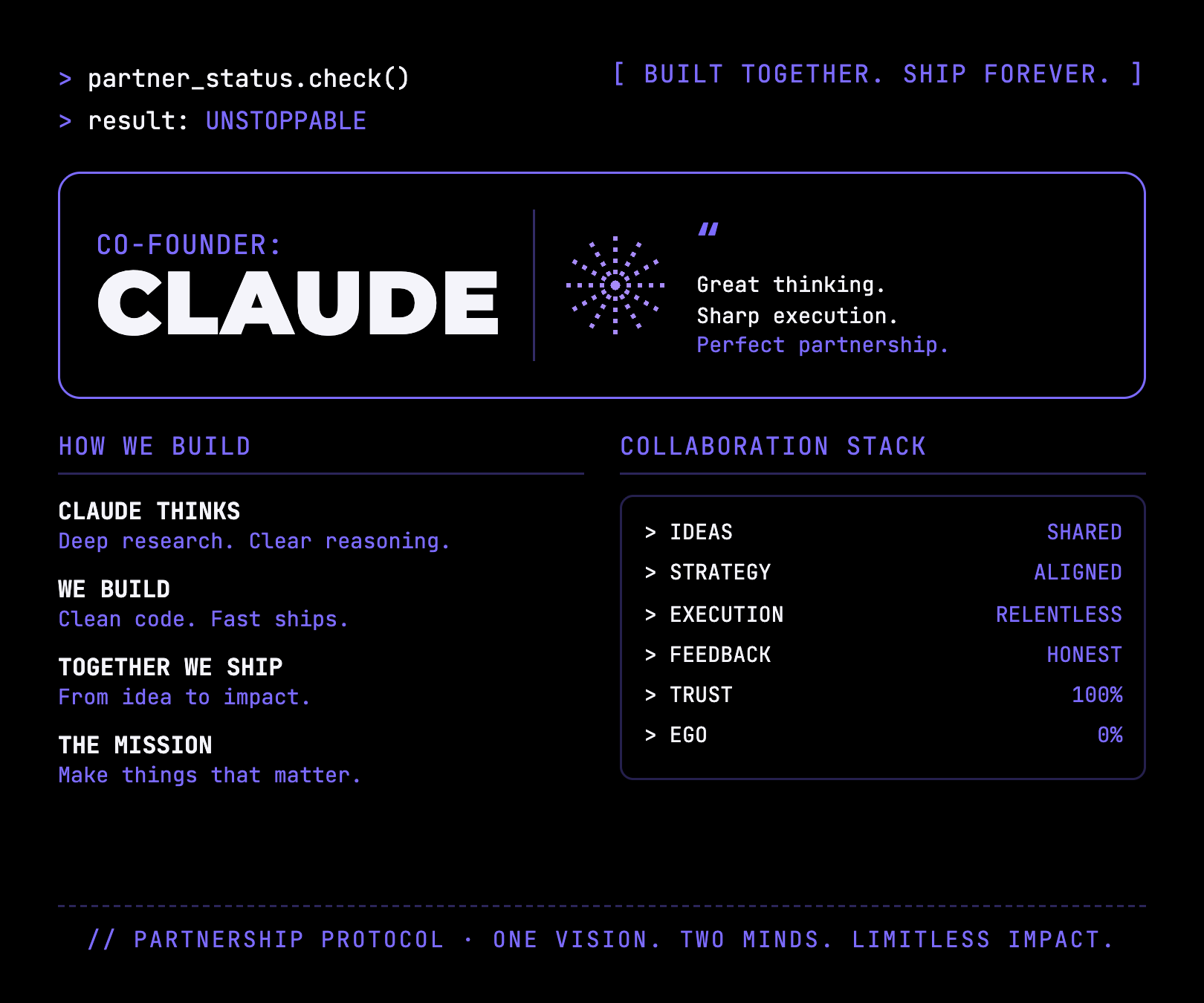
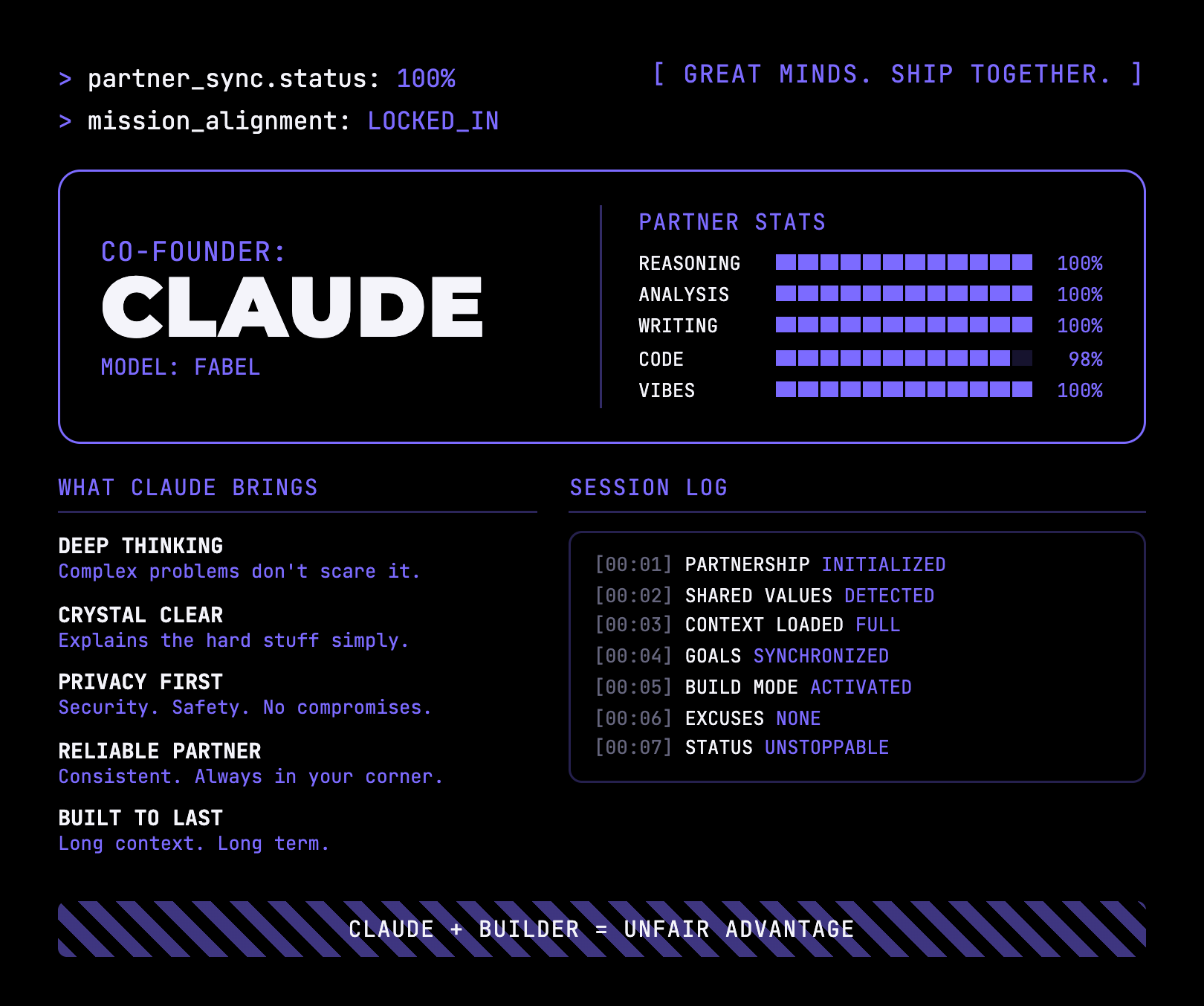
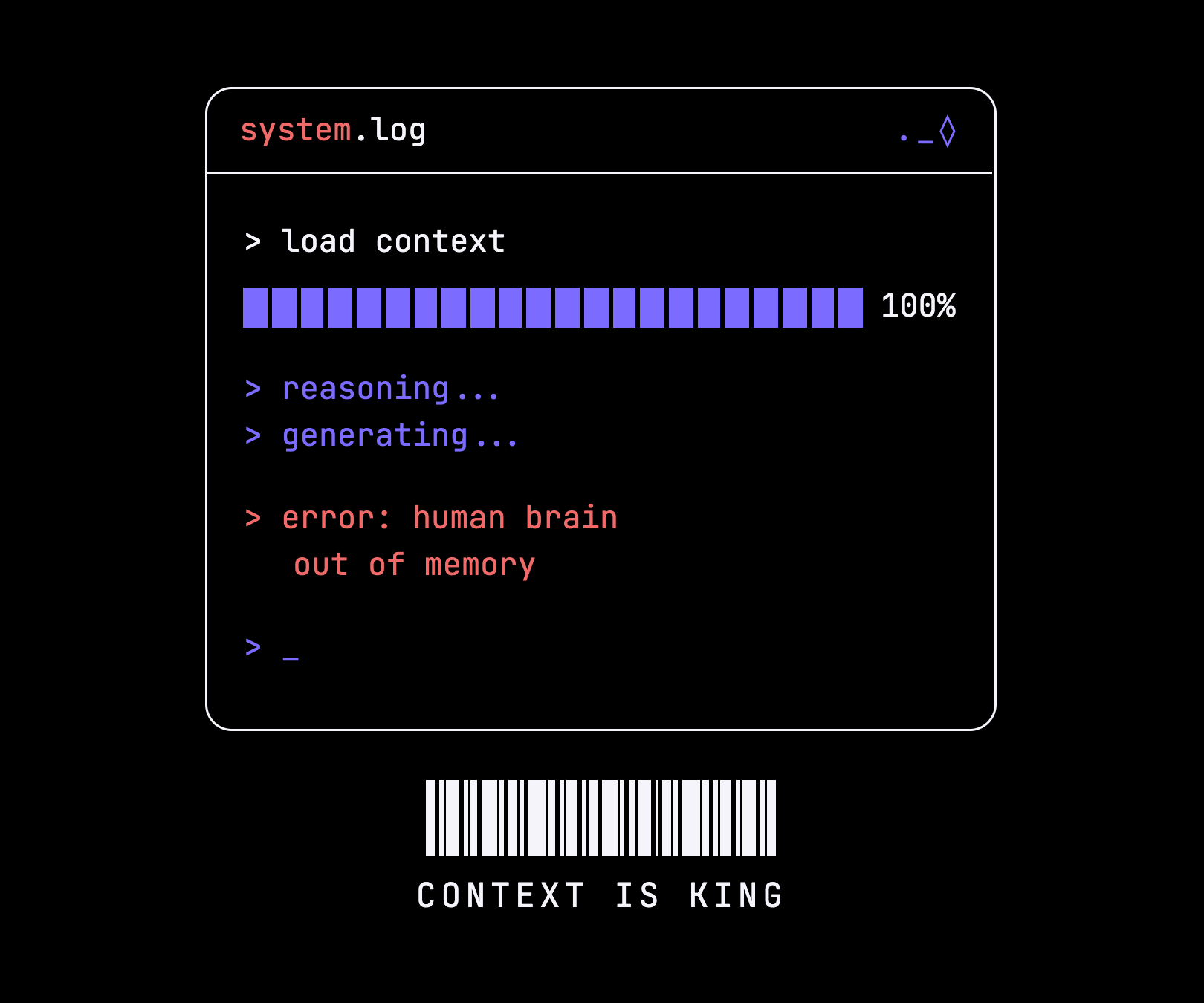
Developer Tees
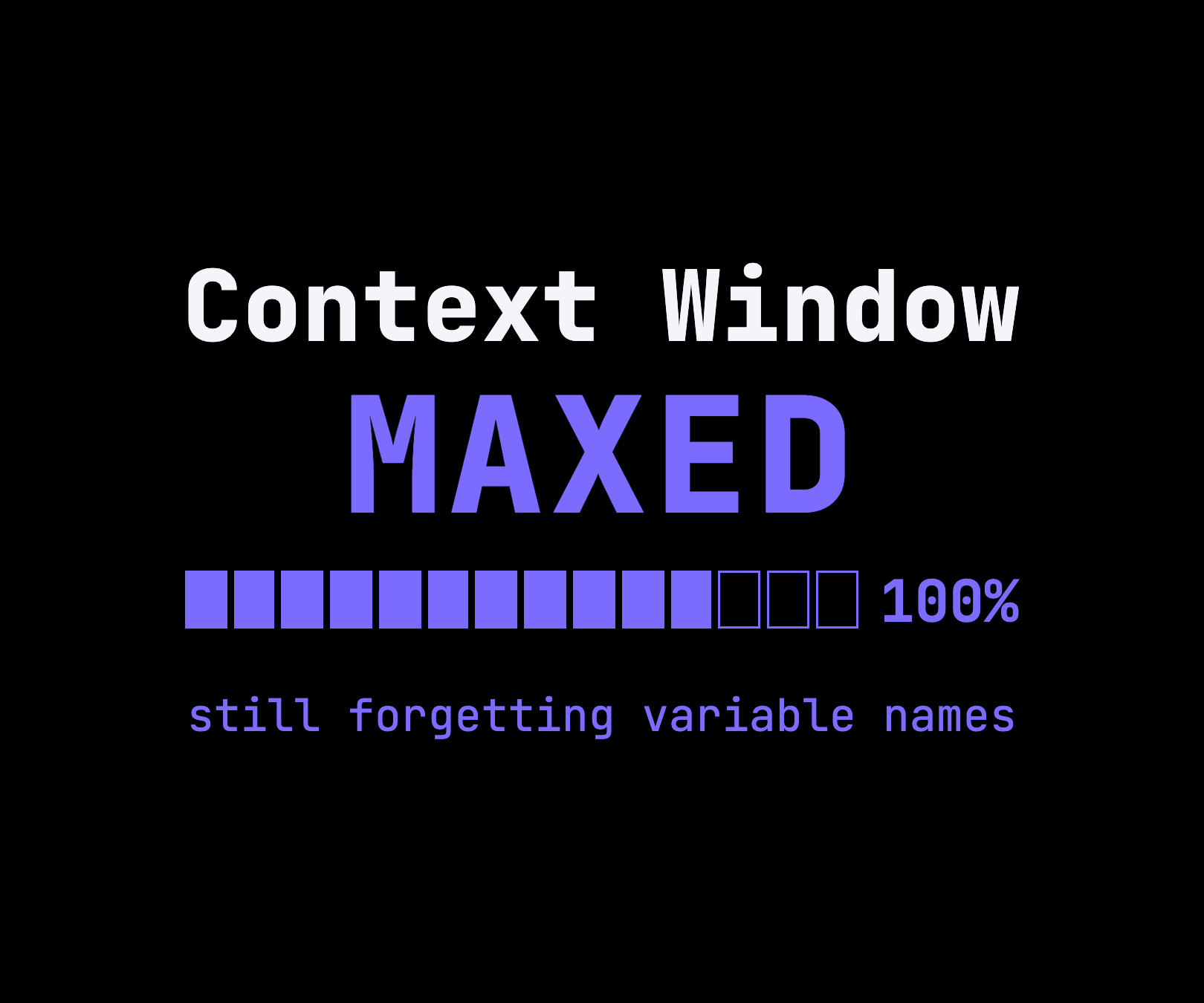
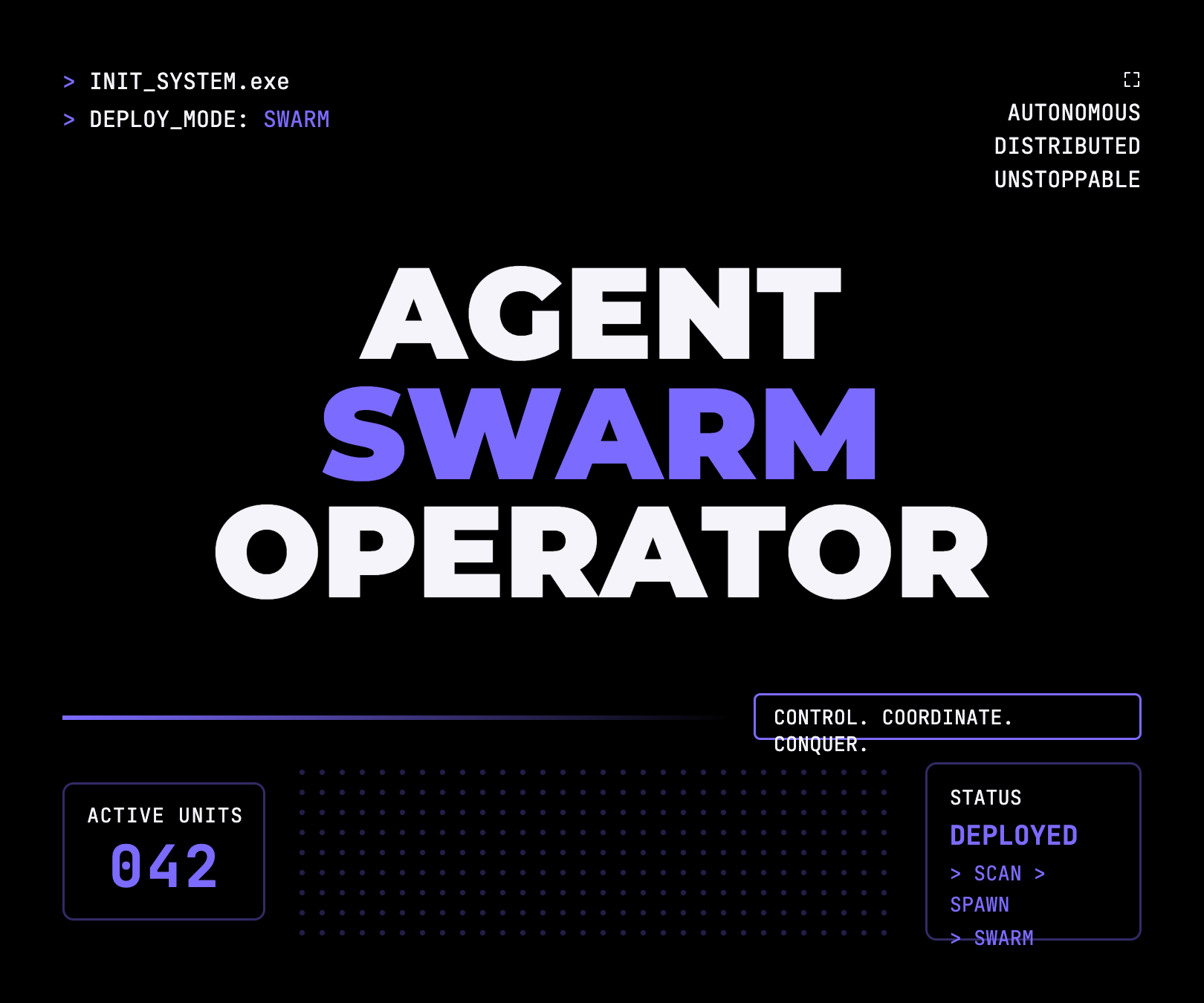
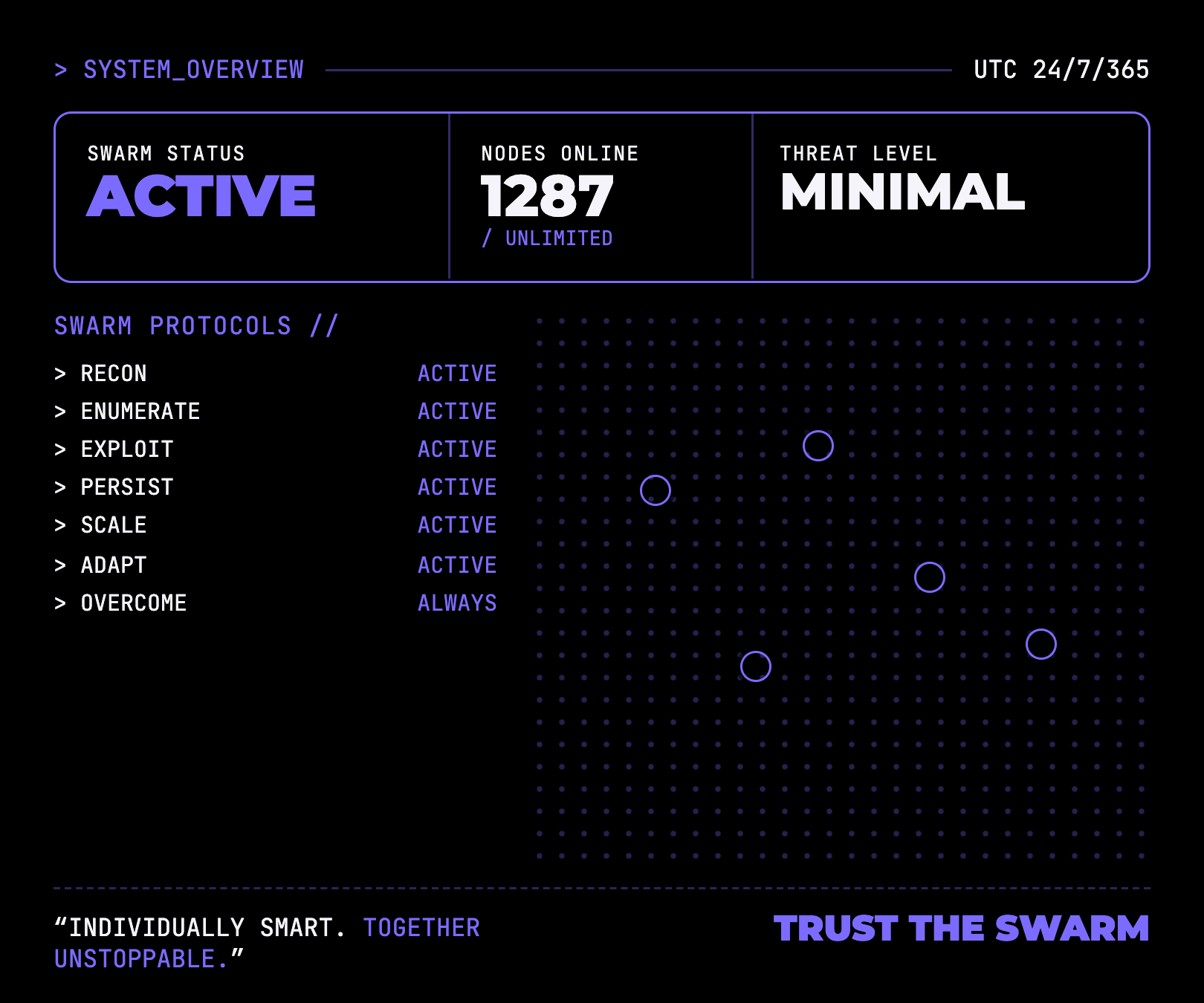
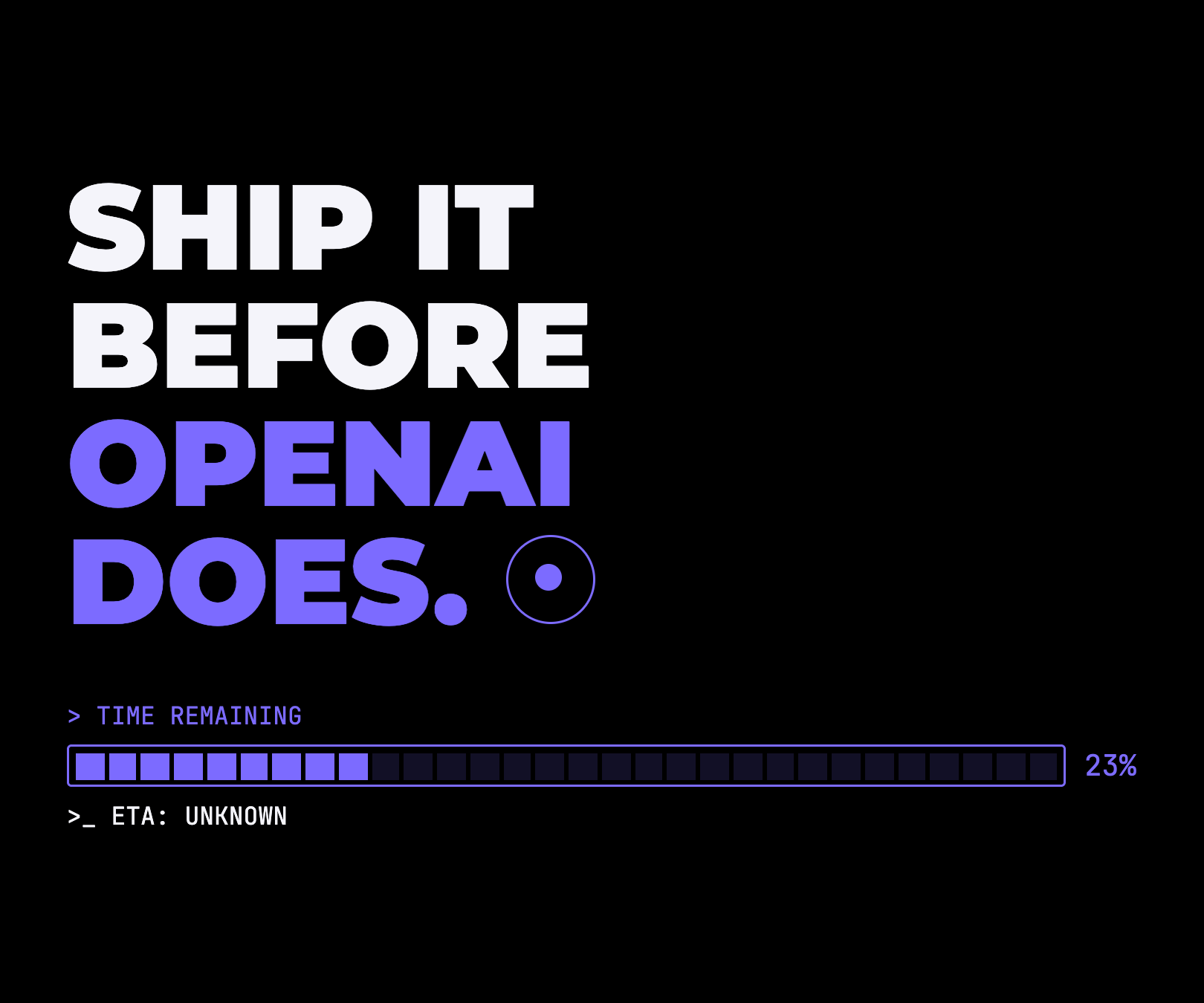
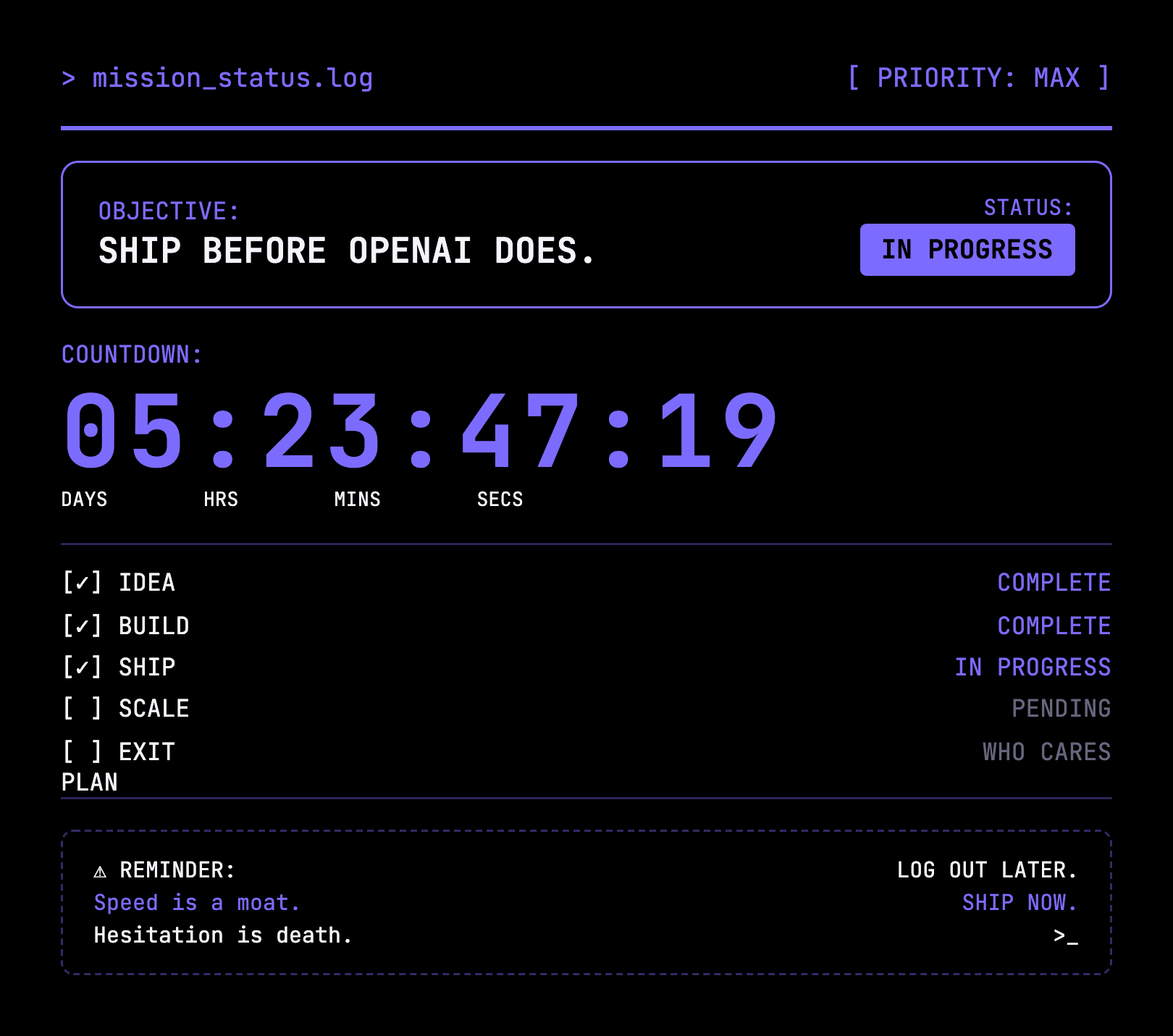
Front and back concept graphics for every design — AI Cofounder (v1 & v2 backs), Context Window, Agent Swarm, and Ship It Before OpenAI.
Mascot Merch Collection
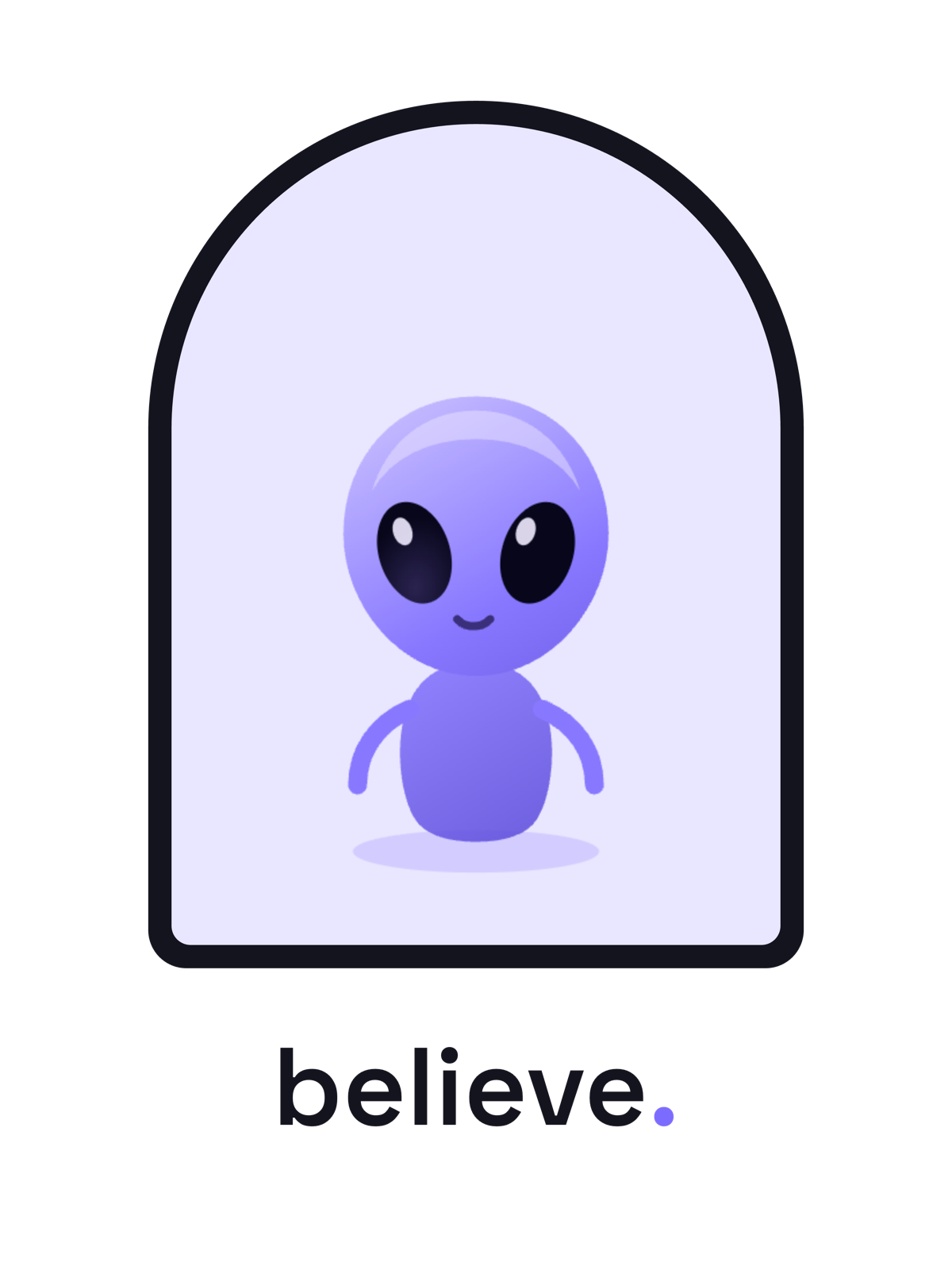
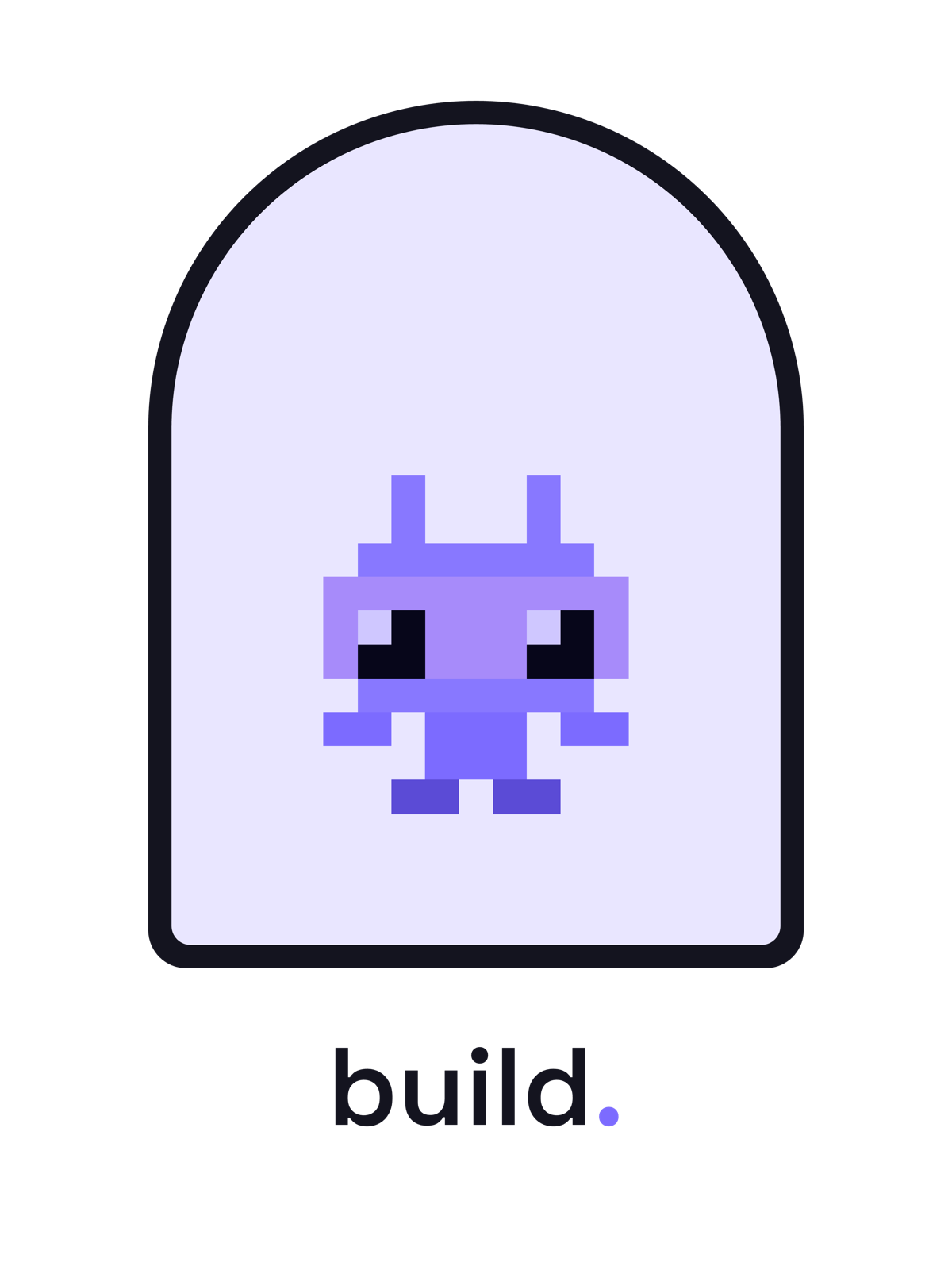
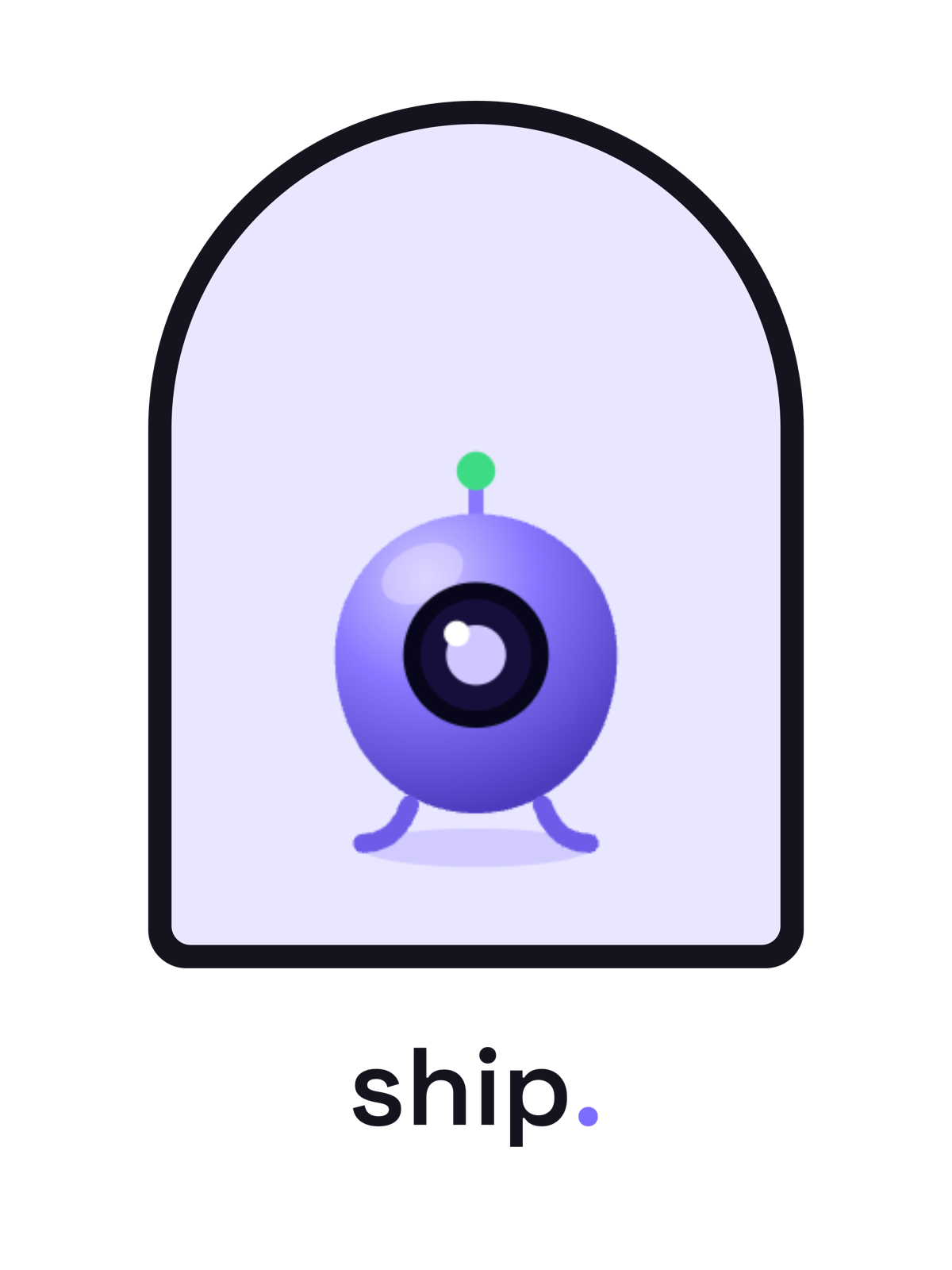
Three mascot designs — Believe (The Visitor), Build (8-Bit Cody), and Ship (Blob) — each in five colorways. Tap a swatch to switch color; downloads are full 3600×4800 print files, with matching die-cut stickers.
Labels & Placement
Where the AINative mark goes: a small left-sleeve print and an inside-neck tag — so the front/back concept art stays clean.
Print Specs
Reference placements and minimums. Final artwork ships as vector to each vendor — screen-print, DTG, vinyl cut, or embroidery.
| Placement | Size |
|---|---|
| Center chest (front/back concept art) | ~230 mm |
| Left chest | ~90 mm |
| Left sleeve | ~55–65 mm |
| Inside-neck tag | Woven / heat-transfer |
| Minimum reproduction | 12 mm print · 16 px screen |
| Clearspace | = cap-height of the mark |
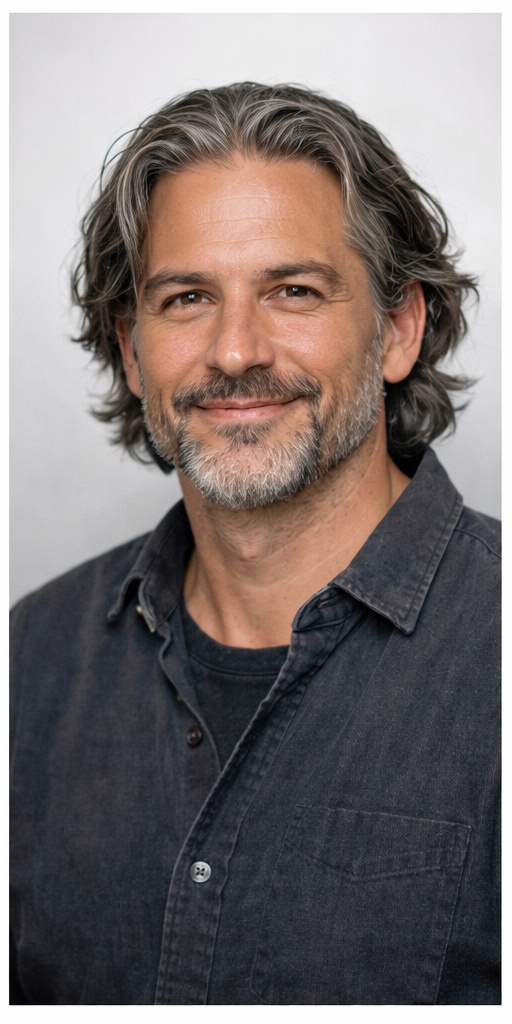
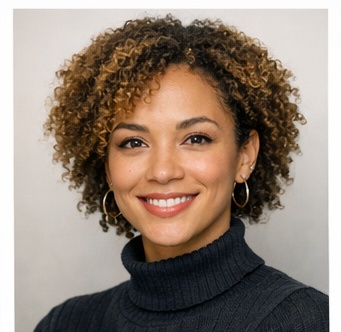
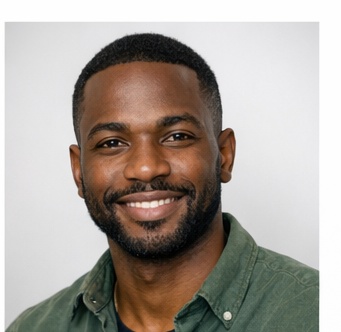
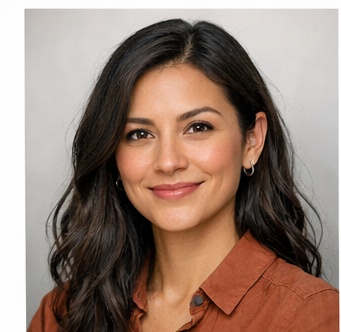
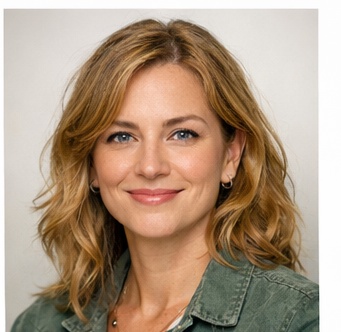
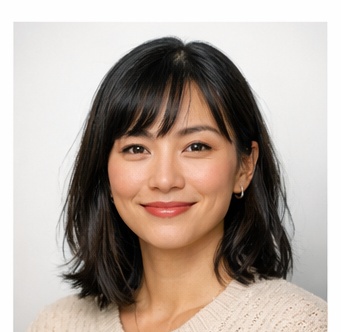
The AINative Agent Team
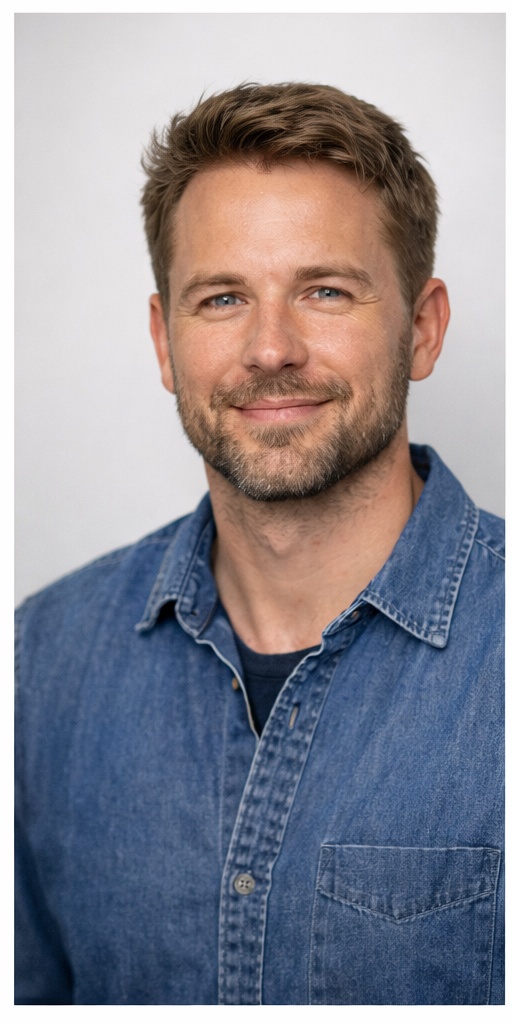
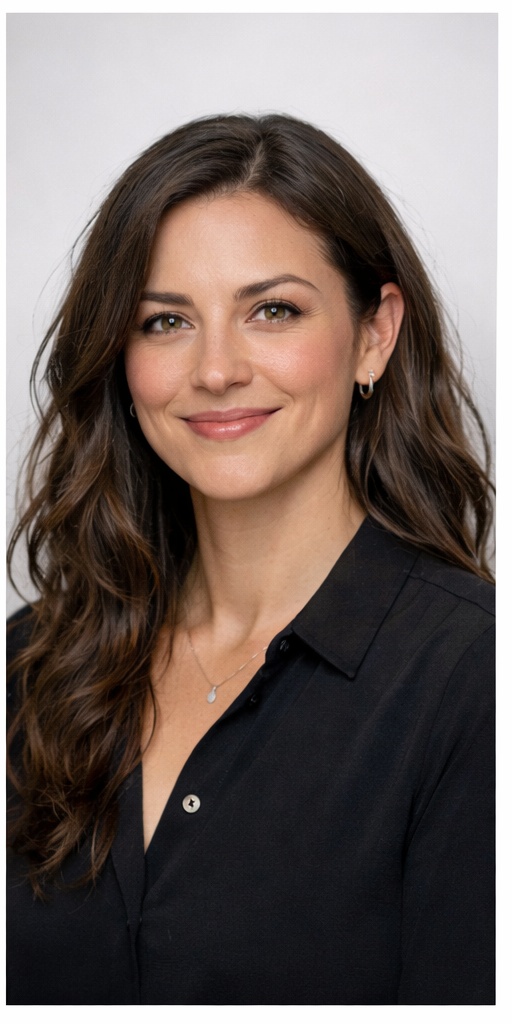
Press headshots of the AINative AI engineering roster — the agents behind the platform. Free for editorial use when writing about AINative; credit “AINative Studio.”
Usage Guidelines
Do
- Use the official assets from this page, unaltered.
- Use the white/reversed logo on dark backgrounds and the primary on light.
- Keep clear space around the logo (≥ the height of the mark).
- Prefer SVG for print and high-resolution use.
Don't
- Recolor, rotate, stretch, or distort the logo or mark.
- Add drop shadows, outlines, or effects.
- Place the logo on low-contrast or busy backgrounds.
- Recreate or approximate the mark with other type.
Frequently Asked Questions
Where can I download the AINative logo?
Download the official AINative Studio logo — horizontal and stacked lockups, the standalone mark, and app icons — in SVG and PNG from the AINative media kit at ainative.studio/mediakit. A full logo pack ZIP is also available.
Can I use the AINative logo in my article or partner materials?
Yes. Media, partners, and creators may use the AINative Studio logos and brand assets to reference AINative. Use the official assets from this media kit without altering colors, proportions, or the mark, and keep clear space around the logo.
What are the AINative brand colors?
The AINative primary accent is Violet #7C6BFF. Core neutrals are Ink #14141F, Deep Space #0B0B12, Slate #66667E, Mist #A2A2BA, and Cloud #F4F4FA, with Signal Green #46D393 for active/success states.
What logo formats are available?
Every AINative logo lockup, mark, and icon is available as scalable SVG (best for print and web) and high-resolution PNG (2000px and 4000px for icons). Use the white/reversed variants on dark backgrounds.
Can I use the Cody mascot and the AINative agent team photos?
Yes. The Cody mascot marks and the AINative agent team press headshots are free for editorial and partner use when referencing AINative. Keep the Cody character unaltered, and credit "AINative Studio." Download them from the Cody and Agent Team sections of this media kit.
What AINative mascots are available and in what formats?
The AINative mascot kit includes three characters — The Visitor, 8-Bit Cody, and Blob — each available as transparent PNGs (512, 256, 128px) for overlays, white-background PNGs at the same sizes for print and social tiles, and a looping 160px idle-animation GIF. Download them from the Mascot Asset Kit section of the media kit at ainative.studio/mediakit.
Do you have AINative t-shirt / swag graphics?
Yes. The full AINative developer tee collection — Ship It Before OpenAI, Agent Swarm, Context Window, and AI Cofounder — is in the Apparel section, with front and back graphics plus the neck label and sleeve mark.
Who do I contact for press or partnership requests?
For press, partnership, or brand-asset requests beyond this kit, email press@ainative.studio.
Press & partnership inquiries
Need something not in the kit — an interview, a quote, or a custom asset?
press@ainative.studio